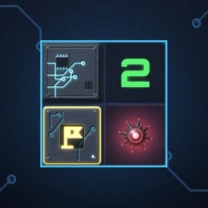
CyberGridMinesweeper for Android
Mines hide under the cells of a glowing circuit board. Open every safe cell and the grid is secured – with the rules everyone knows, and a face that follows along. CyberGrid runs entirely offline.
Features
06Minesweeper as it should be
An opened number tells how many of the eight neighbouring cells hide a mine. Empty cells open their surroundings by themselves until numbers bound the area. You win by opening every mine-free cell – setting flags is not required for that.
Your first tap is always safe
The mines are only placed after your first tap, and never on that cell or next to it. So every game starts with an open area instead of a coin flip.
Flag, question mark, nothing
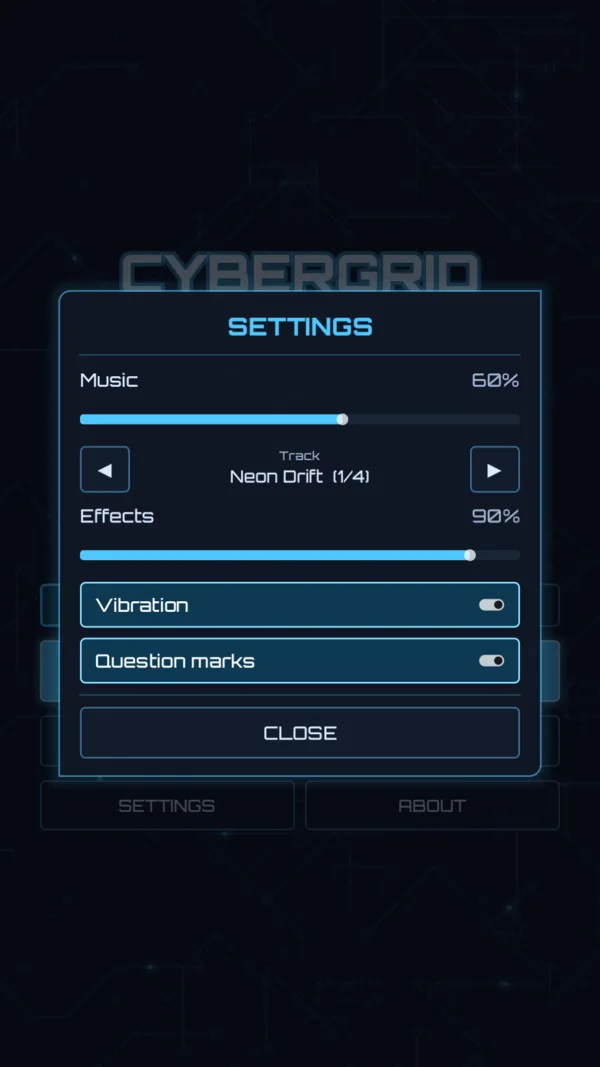
A tap opens, holding marks: a ring fills up around your finger, the phone buzzes briefly, and the next hold turns the flag into a question mark – a note for a cell that might be a mine. Question marks do not count for THREAT and can be switched off.
Three levels, three best times
Easy 9 × 9, Normal 12 × 20, Hard 16 × 30 – each with its own number of mines and its own best time. The clock starts with your first tap and stops as soon as the game is decided.
Zoom, drag, continue
Pinch to zoom, drag to move the grid – even the large 16 × 30 fits on a phone that way. Every move is saved: close the app and the menu offers “Continue”, picking up right where you were.
A system that reacts
The AI face above the grid is the reset button and shows how things stand: calm, tense while your finger rests on a cell, done for, or triumphant. Plus four synth tracks – Neon Drift, Data Stream, Deep Core, Night Circuit – and sounds for every step, music and effects set separately.
What it looks like
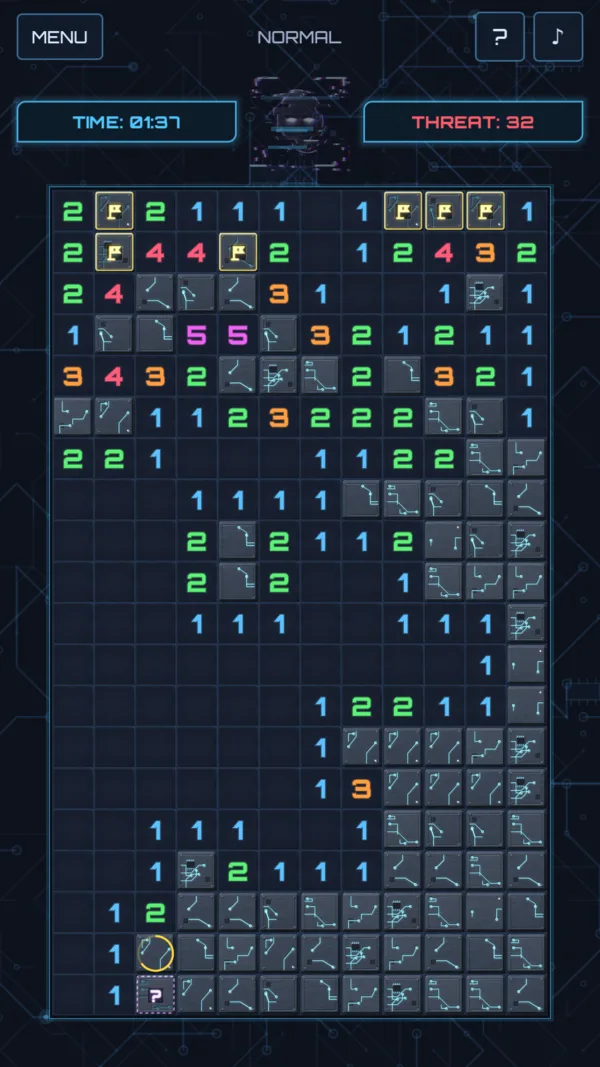
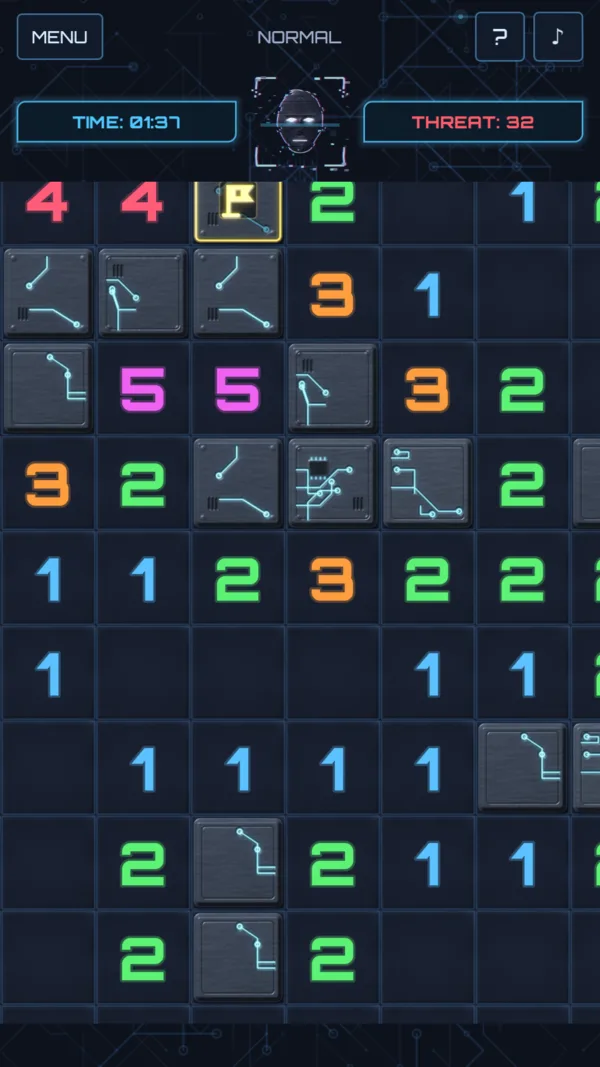
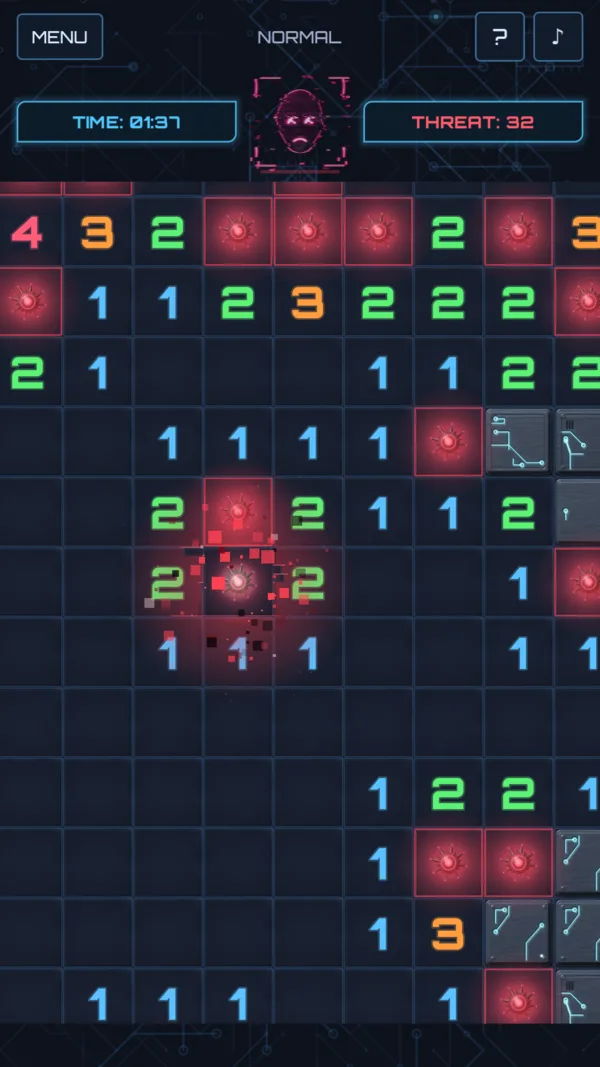
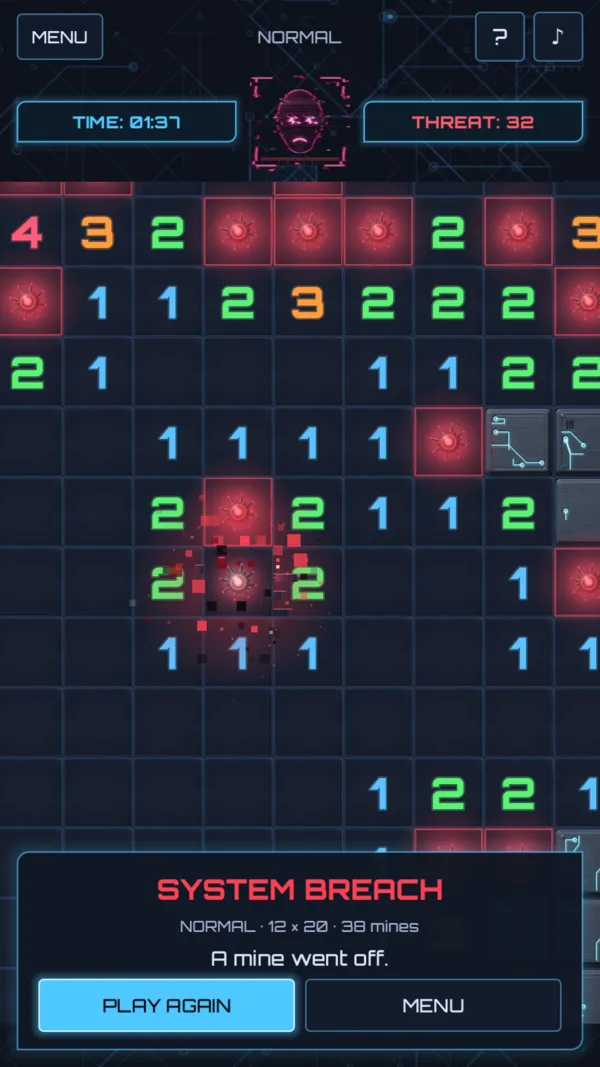
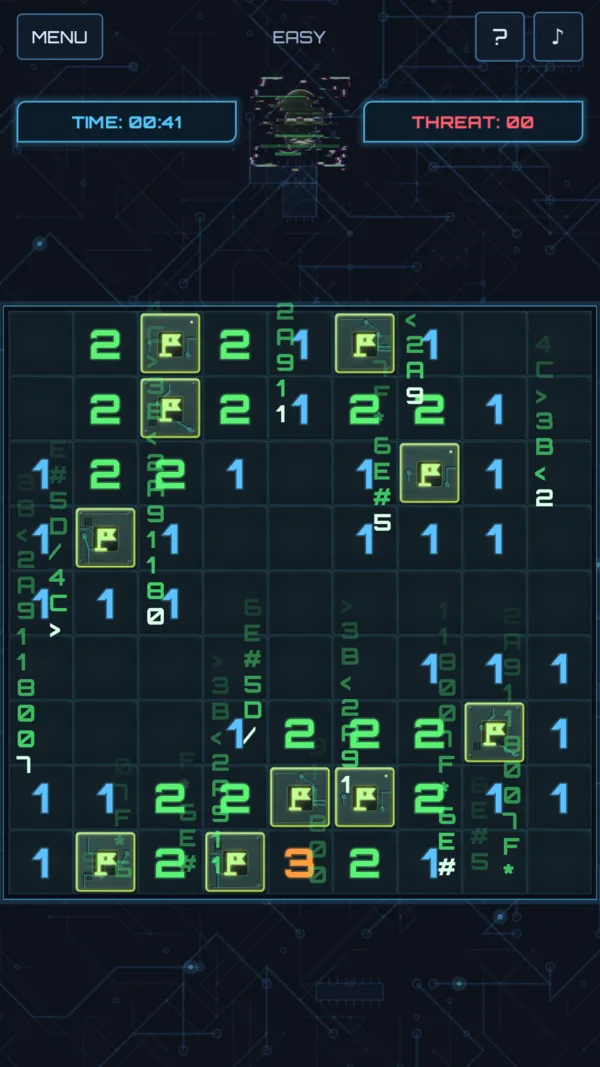
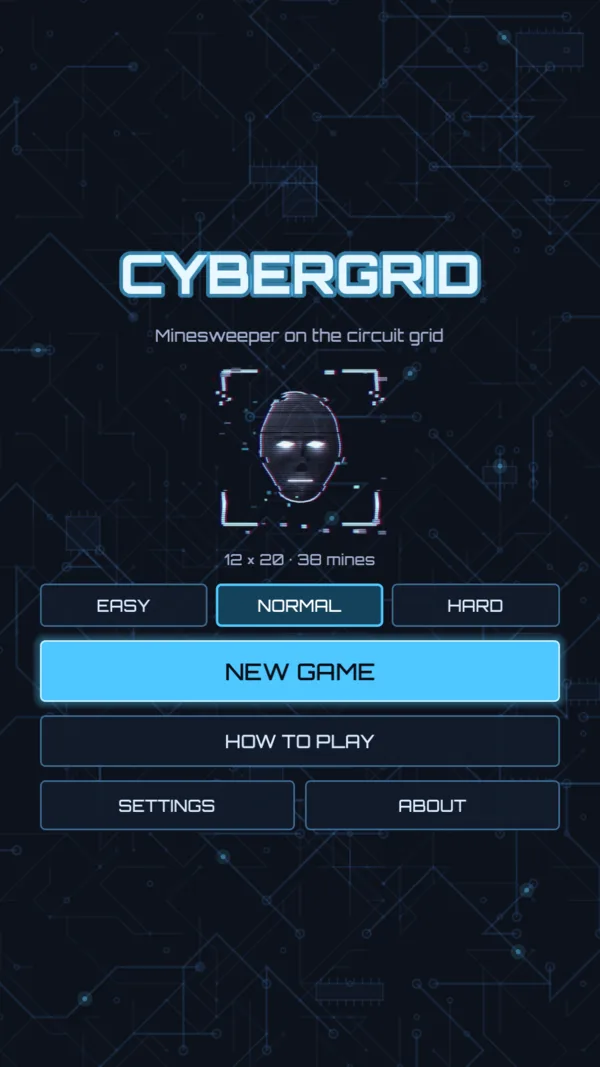
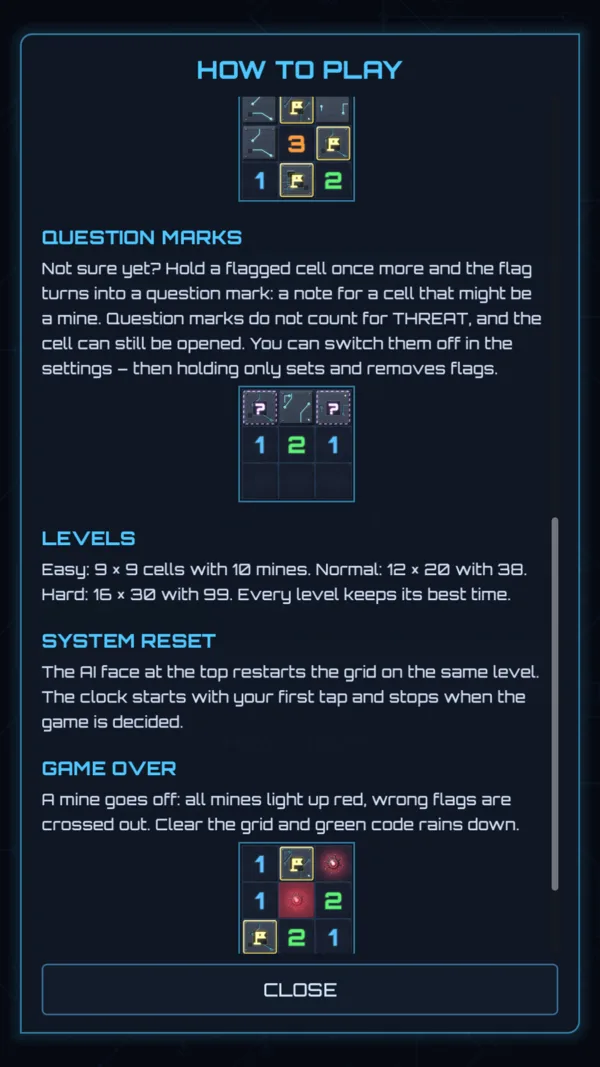
The rules in 30 seconds
Tap a cell to open it – your first tap is always safe. A number tells how many of the eight neighbouring cells hide a mine; an empty cell opens its surroundings along with it. Hold a cell to mark it: first a flag, on the next hold a question mark, then nothing again. Open every mine-free cell and the grid is secured. Open a mine and the system is breached.
Read the full guide with pictures, levels and tips.
Offline and fair
Minesweeper needs no network and no account. CyberGrid therefore does without both – not as a setting, but in the build itself.
One permission, and you can switch it off
The game requests exactly one Android permission: vibration, for the short buzz when you mark a cell – and the settings switch it off. Internet access is not among them; without that permission an app cannot open a connection at all. You can check this in your phone's app details and in the Play Store under “Permissions”.
Everything from the start
No shop, no hints to be bought away, no full version. All three levels, the question marks and every music track are unlocked from the first launch.
No data about you
No account, no sign-in, no analytics or crash reporting SDK. All that sits on the device are your settings, your best times and the game in progress – and they never leave it, not even into Android's backup.
Made from scratch
Tiles, mines, faces, icon, music and sounds were created specifically for the game, not bought together from asset shops. Only the foundation and the typeface come from elsewhere: the free Godot game engine (MIT licence) and Orbitron (SIL Open Font License). Both ship with the game; nothing is downloaded.
Privacy
In short: there is nothing to collect. CyberGrid requests one single permission – vibration when you mark a cell, and you can switch it off – and explicitly not internet access. All that sits on the device are your settings, your best times and the game in progress. What arises at Google through distribution via Google Play is set out, with all the details, in the app's privacy policy.
This website has a policy of its own – it is under Privacy and describes what happens when you merely visit this page.
Frequently asked questions
What does CyberGrid cost?
Nothing. There is no full version to unlock – all 3 levels, the question marks and every music track are there from the start.
Do I need an internet connection?
No, never. The game does not even have the permission to open one. It runs exactly the same in flight mode, on the train and in a dead zone.
Can my first tap hit a mine?
No. The mines are only placed after your first tap, and never on that cell or next to it – every game starts with an open area.
How big are the boards?
Easy 9 × 9 with 10 mines, Normal 12 × 20 with 38 mines, Hard 16 × 30 with 99 mines. Every level keeps its own best time. The large grids are made for portrait: pinch to zoom, drag to move.
Do I have to set flags?
No. Flags are your notes, not a condition: you win as soon as every mine-free cell is open. If you are unsure, hold a cell a second time for a question mark – and if that is one mark too many, the settings switch question marks off.
Is my progress saved?
Yes. After every move the running game is saved on the device; the menu then offers “Continue”, even after the app was closed. Your best times are kept as well.
Which languages does the game support?
Deutsch and English – on a device set to German it starts in German, otherwise in English. Android 7.0 or later.
When will CyberGrid be released?
It is being prepared for Google Play. As soon as it is live, the button at the top leads straight to the store listing.
What does this have to do with rellit.de?
The same person is behind it. rellit.de collects small tools that run in the browser – CyberGrid is a game for the phone and therefore gets its own address here.